Informative
Top 10 Construction Management Software in 2026 (Best Options Compared)
Discover the top 10 construction management software platforms in 2026. Compare features, pros, and best-fit use cases to find the right solution for your projects.
The construction industry in 2026 is facing tighter budgets, shorter timelines and higher client expectations than ever before. Traditional spreadsheets and siloed tools can’t keep up with today’s complex projects. That’s why more contractors, developers and owners are adopting construction management software - platforms that centralize scheduling, document control, budgeting and collaboration.
But with so many platforms out there, how do you choose the right one? In this guide, we’ll break down the top 10 construction management software in 2026, highlighting strengths, weaknesses and the use cases each tool is best suited for.
What Is Construction Management Software?
Construction management software is a platform that helps owners, developers, contractors, architects, and specialty trades manage construction projects from preconstruction through closeout. Most modern platforms combine project management, construction administration, document management, scheduling, budgeting, reporting, and collaboration in a centralized system.
Rather than relying on spreadsheets, email, and disconnected point solutions, construction management software provides a single source of truth for project information, helping teams improve visibility, reduce administrative work, and make better decisions.
What to Look For in Construction Management Software
Before we jump into the list, here are the key criteria teams should consider:
- Task & Project Management – Easy-to-use tools for scheduling, task assignments and progress tracking
- Document Control & Collaboration – Centralized hub for RFIs, submittals, drawings and version control
- Cost & Budget Tracking – Financial tools to monitor budgets, change orders and invoices in real time
- Mobile Access – Reliable apps for iOS, Android, iPad and web
- Ease of Use – Interfaces simple enough for field teams to adopt quickly
- Pricing Transparency – Clear, scalable costs without hidden fees
Essential Features of Modern Construction Management Software
While every organization has different requirements, the best construction management software typically includes:
Project Financial Management
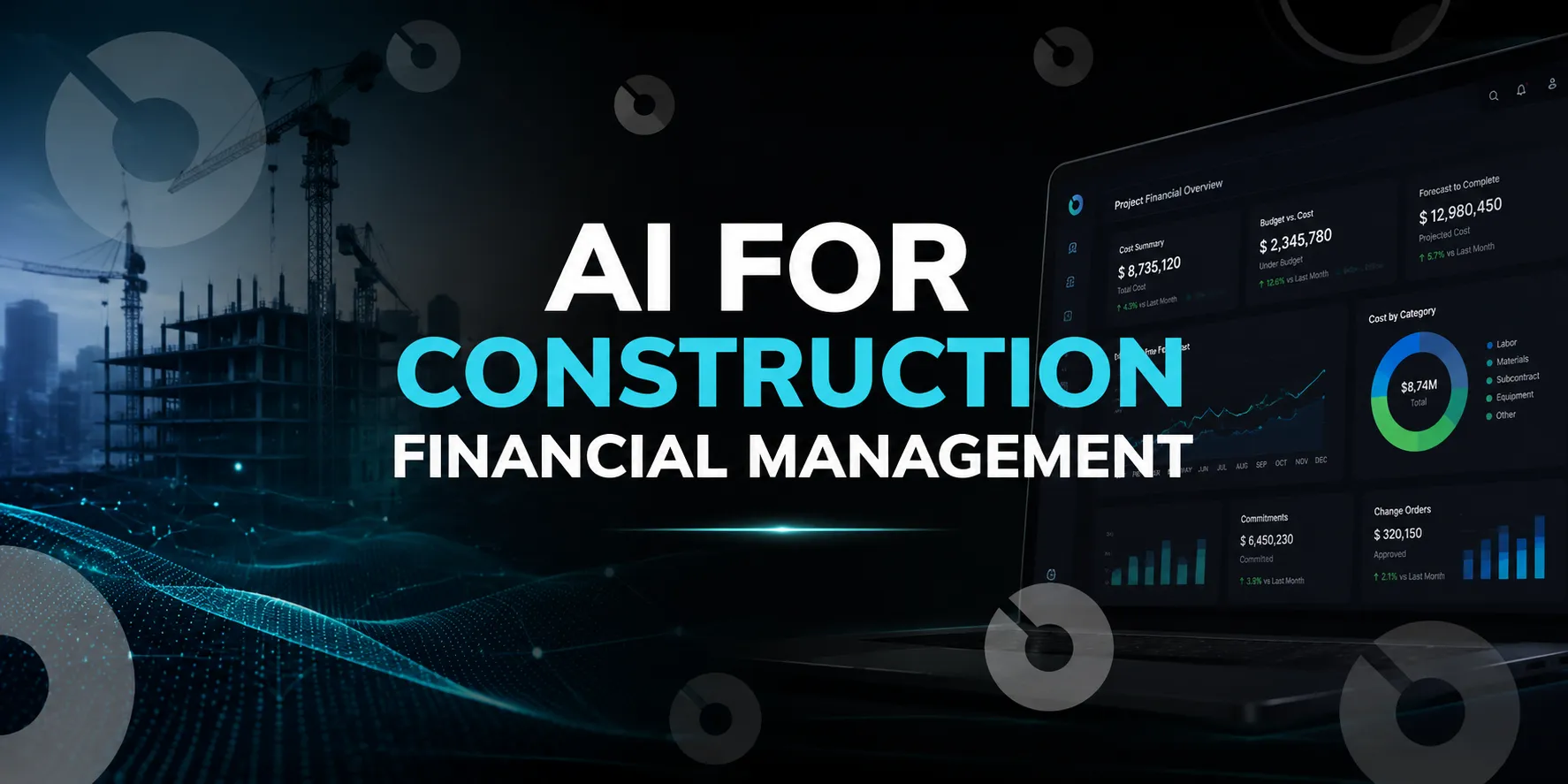
Track budgets, commitments, invoices, change orders, forecasts, and cost performance in real time to maintain financial visibility throughout the project lifecycle.
Construction Administration
Manage RFIs, submittals, meeting minutes, document approvals, and project correspondence through structured workflows instead of email.
Document Management
Centralize drawings, specifications, contracts, and project documents with version control and audit trails.
Reporting and Dashboards
Generate real-time project reports, executive summaries, and portfolio dashboards to improve decision-making.
Mobile Access
Enable field teams to review drawings, submit updates, complete inspections, and access project information from any device.
Integrations
Connect accounting, ERP, BIM, and document management systems to reduce duplicate data entry and improve reporting accuracy.
Top 10 Construction Management Software in 2026
1. Procore
Best for: Enterprise General Contractors
Procore is one of the most recognized construction project management platforms, covering preconstruction through closeout.
Pros:
- Full suite across project management, financials, safety, and field tools
- Large ecosystem of integrations (ERP, Sage, QuickBooks, DocuSign, etc.)
- Widely adopted across enterprise construction
Cons:
- Pricing based on project value can become costly
- Steeper learning curve; requires dedicated admins
2. INGENIOUS.BUILD
Best for: All-in-One Construction Management
INGENIOUS.BUILD is a modern alternative to Procore and Bluebeam, designed to unify owners, GCs, architects and trades in one connected system.
Why It Stands Out:
- Drawings, budgets, RFIs schedules and submittals all in one platform
- Transparent, fixed pricing (not tied to project value)
- Works seamlessly across Mac, iOS, Android and Windows
- Real-time collaboration with fewer plugins and silos
Pros:
- Fast onboarding for small teams to enterprise
- Mobile app optimized for field use
- Transparent pricing, easy scaling
Cons:
- Focused on AECO industry (not suited for unrelated verticals)
3. Autodesk Build (formerly PlanGrid)
Best for: Document Management
Part of Autodesk Construction Cloud, Autodesk Build is known for drawings, markups, and BIM-heavy workflows.
Pros:
- Excellent markup and drawing tools
- Deep integration with Revit, AutoCAD and ACC
- Mobile-friendly for field updates
Cons:
- Expensive for smaller firms
- Complex if you don’t already use Autodesk ecosystem
4. Buildertrend
Best for: Residential Contractors
Popular among remodelers and custom home builders, Buildertrend combines project management with client communication.
Pros:
- Client portal for transparency
- Good scheduling and task tracking
- QuickBooks and Xero integration
Cons:
- Less suited for large commercial projects
- Pricing increases with team size
5. Fieldwire
Best for: Field Coordination
Fieldwire is a field-first construction management app designed for subcontractors and site teams.
Pros:
- Easy punch lists and task coordination
- Offline access for remote sites
- Fast adoption for field users
Cons:
- Limited financial features
- Not a full project lifecycle platform
6. CoConstruct
Best for: Custom Builders
Acquired by Buildertrend, CoConstruct supports custom builds and small contractor workflows.
Pros:
- Estimating, proposals, and client communication tools
- Tailored for small, bespoke projects
Cons:
- Less scalable for larger firms
- Overlaps heavily with Buildertrend
7. e-Builder
Best for: Owners & Developers
e-Builder is owner-focused, built for capital project visibility and compliance.
Pros:
- Robust financial and audit tools
- Ideal for large, complex projects
- Reporting dashboards
Cons:
- Not as intuitive for field adoption
- High price point for SMBs
8. Aconex
Best for: Document Control & Complex Projects
Aconex, part of Oracle Construction and Engineering, is widely used on large infrastructure and commercial projects. It’s known for robust document management and compliance features.
Pros:
- Strong version control for drawings and documents
- Trusted for large, complex, multi-stakeholder projects
- Secure audit trails and compliance support
Cons:
- Steeper learning curve for field teams
- Interface can feel dated compared to newer platforms
9. Houzz Pro
Best for: Small Contractors & Design-Build Firms
Houzz Pro caters to small builders, remodelers, and design-build firms, combining construction management with CRM and client-facing tools.
Pros:
- Easy-to-use client communication tools
- Integrates design, proposals, and payments
- Affordable entry-level pricing
Cons:
- Limited features for large or complex projects
- More design/remodel-focused than full project management
10. ClickUp
Best for: General Task Management
These general PM tools are not construction-specific but are used for basic task and workflow tracking.
Pros:
- Flexible and affordable
- Great for small teams
- Easy to set up
Cons:
- Missing RFIs, submittals, change orders
- Heavy customization needed for construction use
Construction Management Software by Project Type
Different construction projects require different capabilities, and the best platform often depends on the type of work your organization delivers.
- Commercial Construction
Commercial contractors typically prioritize project financials, RFIs, submittals, document control, scheduling, and collaboration across multiple stakeholders.
- Residential Construction
Home builders and remodelers often focus on client communication, estimating, scheduling, selections, and warranty management.
- Industrial Construction
Industrial projects generally require stronger project controls, procurement management, compliance tracking, and coordination across complex engineering and construction teams.
- Capital Programs and Real Estate Development
Owners and developers managing multiple projects
Best Construction Management Software by Company Size
For Small Contractors & Remodelers
- Buildertrend, CoConstruct - Focus on client portals, estimating and easy scheduling
- ClickUp / Monday.com - Low-cost entry point but needs customization
For Mid-Sized GCs & Specialty Contractors
- Fieldwire, STACK - Great for field coordination and estimating workflows
- Sage 300 CRE - If financial controls and accounting are priorities
For Large Enterprises & Developers
- Procore, Autodesk Build, e-Builder - Enterprise-grade solutions with strong integration ecosystems
- INGENIOUS.BUILD - All-in-one alternative with transparent pricing and better collaboration across stakeholders
Free Construction Management Software Options
For small contractors or teams testing digital tools, a few platforms offer free plans:
- ClickUp (Free Plan) – Highly flexible task management with customizable boards and lists. While not construction-specific, it’s a solid entry point for organizing schedules and tasks.
- Trello (Free Plan) – Simple kanban-style boards for managing to-dos, timelines, and assignments. Works well for very small teams needing lightweight project tracking.
- Asana (Free Plan) – Basic project and task collaboration for teams up to 15 users, with features like deadlines, status updates, and mobile access.
These free tools aren’t as specialized as Procore or INGENIOUS.BUILD, but they give contractors an affordable way to get started with structured project management before upgrading to industry-focused platforms.
FAQ: Construction Management Software Alternatives
What is the best free construction management software?
ClickUp, Trello or Notion are lightweight free tools, but they lack construction-specific workflows like RFIs or submittals.
How much does construction management software cost?
Pricing varies widely depending on the platform, company size, number of users, and required features. Some tools charge per user, while others use project-value or enterprise pricing. Many vendors provide custom quotes based on organizational needs.
Which construction software is best for small contractors?
Buildertrend and CoConstruct are tailored for residential builders and small contractors who prioritize client communication.
What’s the most affordable alternative to Procore?
Fieldwire for field coordination or INGENIOUS.BUILD for full workflows with transparent pricing.
Does construction management software include AI?
Many modern platforms now include AI features that help generate reports, summarize meetings, improve document search, identify project risks and support decision-making. AI capabilities vary significantly between vendors.
How do I choose the best construction project management software?
Consider your company size, budget, integration needs (QuickBooks, Sage, ERP), and whether you need enterprise features or leaner field tools.
Final Thoughts
Choosing the right construction management software in 2026 depends on your team’s size, workflows and budget. Enterprise GCs might lean toward Procore or Autodesk, while residential builders may prefer Buildertrend or CoConstruct. Field teams benefit from Fieldwire and finance-heavy projects often turn to Sage or e-Builder.
Ready to see how INGENIOUS.BUILD stacks up? Book a demo today!